
Panasonic WVNP304P Manual


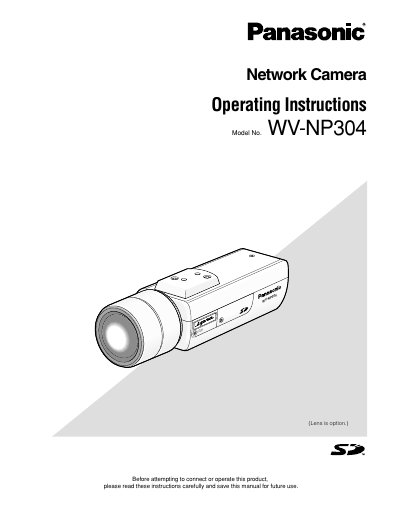
Panasonic WVNP304P Manual - cover page
Brand
Panasonic
Category
Monitoring Equipment
Document type
User Manual
Language
English
Pages
20
File format
PDF
Published
08 August, 2012
Updated
29 September, 2023
MD5 checksum
DC7F3729BC90E915F6713DC17DF4797D

About this manual

This document provides operating instructions for the Panasonic WV-NP304 network camera. It details how to monitor images from the camera on a PC using a web browser and the 'Network camera View3' software. The guide explains how to access the live view, adjust image settings such as brightness and zoom, and manage multiple camera displays.

What's inside

  • About these operating instructions
  • Viewer software
  • Monitor images on a PC
  • Monitor images from a single camera
  • Monitor images from multiple cameras
  • Record images on the SD memory card manually
  • Transmit images onto an FTP server
  • About the network security of the camera
  • Playback of images saved on the SD memory card
  • Equipped security functions

Specifications

Default User Nameadmin
Max Concurrent Users16
JPEG Refresh Rate (VGA/QVGA)30 fps
JPEG Refresh Rate (1280 x 960)11 fps

Frequently asked questions

How many users can access the camera concurrently?

Up to 16 users can access the camera concurrently.

What software is required to view images on a PC?

The viewer software 'Network camera View3' is required.

Download PDF

More Panasonic Manuals


View all Panasonic manuals →