
This manual introduces the network connection, image monitoring, alarm settings and other operation methods of WV-NP244 network camera.
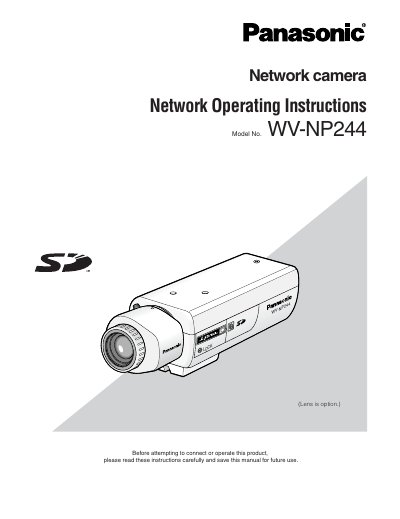
This document provides network operating instructions for the Panasonic WV-NP244 network camera. It details how to monitor images from the camera on a PC, transmit images to an FTP server, and save images to an SD memory card. The manual also explains how to display the setup menu and configure various settings such as basic setup, camera setup, multi-screen settings, alarm settings, authentication, and network settings.
The default password for the user 'admin' is 12345.
Up to 8 users can access the camera concurrently when Unicast is selected.
The refresh interval is 5 fps for VGA and 10 fps for QVGA when MPEG-4 transmission is ON.