
This manual describes the basic usage of WV-NP1004 network camera, including how to connect and operate the network camera, how to monitor images on PC, and how to configure the network camera
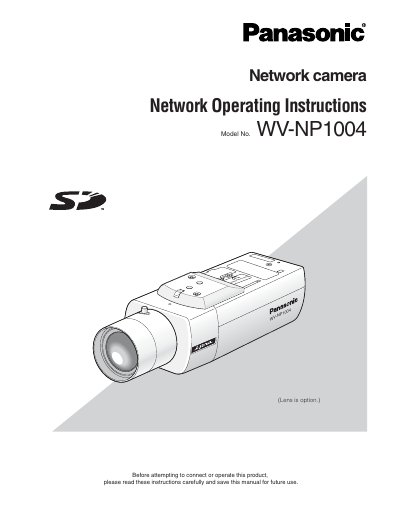
This document provides operating instructions for the Panasonic WV-NP1004 network camera. It details how to monitor images from a single or multiple cameras on a PC using a web browser and explains how to configure various settings via the SETUP menu displayed on a connected video monitor.
The guide covers essential functions such as displaying live images, capturing still pictures, adjusting image quality (brightness, zoom), switching between color and black-and-white modes, and managing alarm occurrences. It also includes instructions for transmitting images to an FTP server and configuring network security settings.
| Default User Name | admin |
|---|---|
| Default Password | 12345 |
Up to 8 users can access the camera concurrently when "Unicast" is selected for "Transmission type".
Switching action cannot be performed unlimitedly due to part durability, with a maximum of approximately 5,000 actions.