
WV-NP244 Network camera Operating Instructions, introduces the function features of the network camera and how to connect, operate and maintain
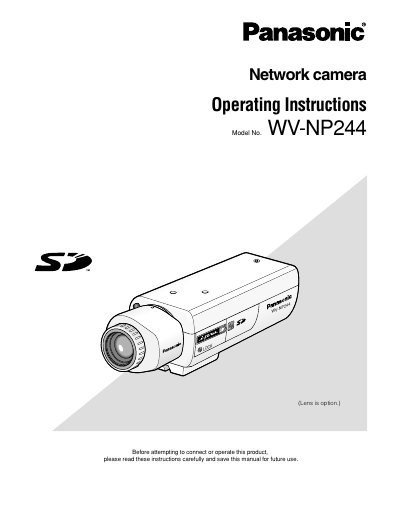
This document provides operating instructions for the Panasonic WV-NP244 network camera. It details how to monitor images from a single or multiple cameras on a PC via a web browser and explains how to configure various settings using the Setup Menu.
The manual covers essential operations such as displaying live video, adjusting image types (MPEG-4/JPEG), changing resolution, zooming, and controlling audio. It also includes instructions for setting up alarms, configuring network parameters, managing user authentication, and performing maintenance tasks.
| Default User Name | admin |
|---|
The default user name is 'admin' and the default password is '12345'.
Enter the IP address designated using the Panasonic IP setup software in the browser's address box.