
This document provides operating instructions for the WV-NP1004 network camera, including guidelines for connecting and operating the product. It also reminds users to save the serial number as a permanent record for identification purposes in case of theft. Additionally, the document states that the equipment complies with FCC regulations for Class A digital devices, but may cause interference in residential areas, requiring users to address the interference at their own expense. Finally, the document emphasizes that unauthorized changes or modifications to the equipment may void the user's authority to operate it.
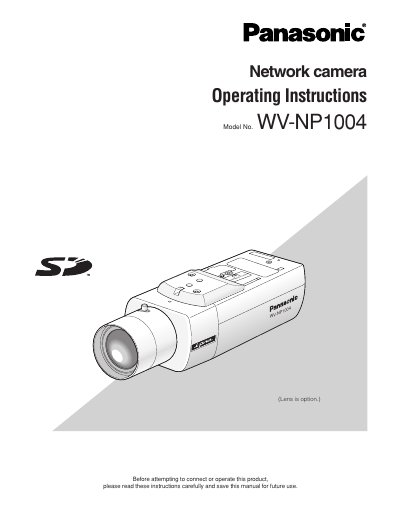
This manual provides operating instructions for the Panasonic WV-NP1004 network camera, which operates on a PC via a network (10BASE-T/100BASE-TX) and includes an analog video output connector. Key features include a 1.2 mega pixel CCD, progressive scan, JPEG/MPEG-4 dual encoding, and an auto back focus function.
| Resolution | 1.2 mega pixel CCD |
|---|---|
| Scanning method | Progressive scan |
| Encoding | JPEG/MPEG-4 dual encode |
| Minimum illumination | 1.0 lx (F1.4) |
| Network interface | 10BASE-T/100BASE-TX |
Back focus can be adjusted automatically using the buttons on the camera or by configuring settings on the [Camera] tab of the 'Camera setup' page.
The camera is designed to operate on a network using 10BASE-T or 100BASE-TX speeds.
The low noise circuit design achieves a minimum illumination of 1.0 lx at F1.4.
The camera is equipped with a 1.2 mega pixel CCD sensor.