
This document is the operating instructions for the WV-NS324 color CCTV camera, providing detailed information on how to connect and operate the product.
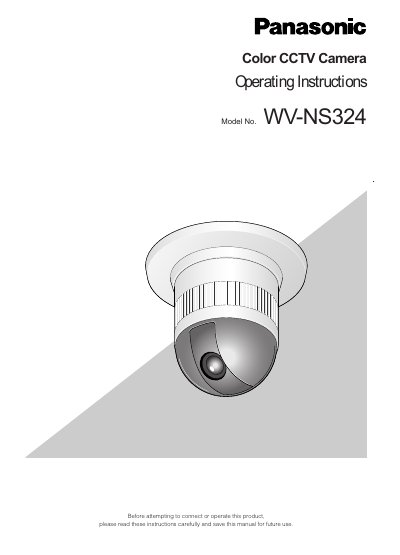
This manual provides operating instructions for the Panasonic WV-NS324, a high-performance color CCTV dome camera. The device combines a 1/4-inch CCD, a digital signal processor, a pan-tilt mechanism, and a 10x zoom lens in a compact unit designed for video surveillance. It supports network connectivity via 10/100BASE-T terminals and features such as multiscreen display, multishot functionality, and user authentication.
| Resolution | 768 x 494 pixels |
|---|---|
| Zoom Lens | 10x |
| Preset Positions | 16 |
| Panning Speed | 100°/s |
| Network Terminal | 10/100BASE-T |
Yes, but only specific versions (4.73 and 4.78) are recommended; other versions may cause functions to work wrongly.
If used with the WJ-SX550C Matrix Switcher with the auto cleaning function set, the WV-NS324 should be cleaned once a day.