
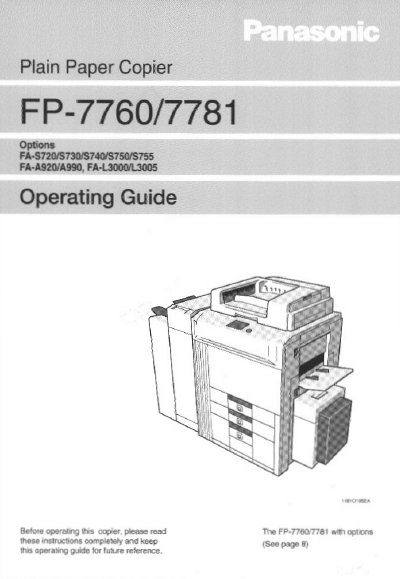
Panasonic FP-7760/7781 Plain Paper Copier Operating Guide


Panasonic FP-7760/7781 Plain Paper Copier Operating Guide - cover page
Brand
Panasonic
Category
copier
Document type
User Manual
Language
English
Pages
160
File format
PDF
File size
3.7 MB
Published
08 August, 2012
Updated
22 August, 2012
Model
FP7
MD5 checksum
0E6A3FFD25D00FA998026CE6D40874C7

About this manual

This document is the Operating Guide for the Panasonic FP-7760/7781 plain paper copier. It provides instructions on safety, installation, and how to operate the device using the control panel and touch panel. The guide details various copying functions, including zoom, density adjustment, and finishing options like sorting and stapling.

What's inside

  • Safety Notes
  • Installing the Copier
  • System Overview
  • Control Panel Keys
  • Using the Touch Panel
  • Basic Copying
  • Finishing Functions
  • User Mode
  • Troubleshooting
  • Specifications

Specifications

Product TypePlain Paper Copier
Compatible ModelsFA-A920/A990, FA-L3000/L3005

Frequently asked questions

What should I do before operating the copier?

Read the operating guide completely and keep it for future reference.

How can I reduce electricity costs with this copier?

The copier has an auto-feature that allows it to automatically turn off or 'go to sleep' after a period of inactivity.

What happens if I make unauthorized changes to the equipment?

Any unauthorized changes or modifications to this equipment would void the user's authority to operate the device.

Download PDF (3.7 MB)

More Panasonic Manuals


View all Panasonic manuals →