
Panasonic KV-S2026C High Speed Color Scanner Operating Instructions

These instructions contain information on operating the scanner.
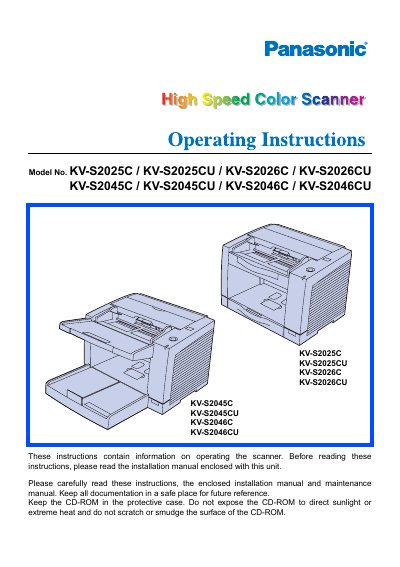

Panasonic KV-S2026C High Speed Color Scanner Operating Instructions - cover page
Brand
Panasonic
Category
Scanner
Document type
User Manual
Language
English
Pages
42
File format
PDF
File size
1.4 MB
Published
08 August, 2012
Updated
30 September, 2023
MD5 checksum
229E140F896C1D97F931EE83F96774B3

About this manual

This document provides operating instructions for the Panasonic High Speed Color Scanner, specifically the KV-S2026C model. It details system requirements for the host computer, including CPU, memory, and interface specifications for both SCSI and USB connections. The manual also includes important safety notices and legal warnings regarding the duplication of copyrighted material and currency.

What's inside

  • System requirements
  • Component Identification
  • Loading Documents
  • Clearing Paper Jams
  • Cleaning the Unit
  • Replacing Consumables
  • Repacking Instructions

Specifications

CPU MinimumPentium II, 300 MHz
CPU RecommendedPentium III, 800 MHz or higher
Memory Minimum (Color Scanning)256 MB
Memory Recommended (Color Scanning)512 MB or higher

Frequently asked questions

Can I use the scanner to duplicate currency?

No, you must not duplicate currency.

What is the maximum recommended storage temperature for roller cleaning paper?

Do not store the roller cleaning paper in a place over 40 °C (104 °F).

What type of gloves should be used when handling roller cleaning paper?

Use protective gloves because the paper may be harmful to your skin.

What is the required fuse rating for the UK power plug?

A replacement fuse must have a rating of 5 amps.

Download PDF (1.4 MB)

More Panasonic Manuals


View all Panasonic manuals →