
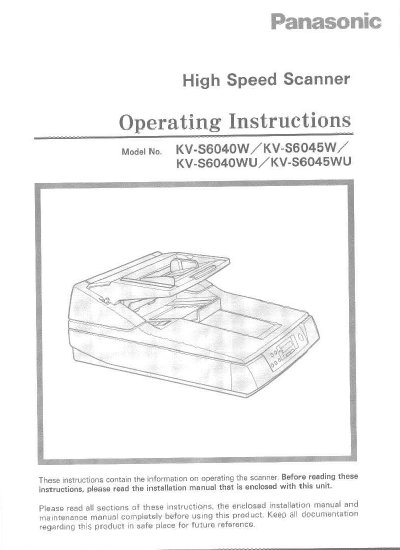
This document provides operating instructions for the Panasonic KV-S6040W High Speed Scanner. It details the required host system conditions, including CPU, memory, and operating system specifications, as well as recommended SCSI boards. The guide explains how to load documents on the ADF and flatbed, scan various document types, and feed documents manually.
| CPU Requirement | 486 DX 66 MHz or higher |
|---|---|
| Recommended CPU | Pentium 166 MHz or higher |
| Memory Requirement | 16 MB or higher |
| Recommended Memory | 64 MB or higher |
| Operating System | Windows 3.1/95/98/NT |
| Recommended SCSI Board | Adaptec Brand AHA-1540 Series |
Do not place any liquids near the unit, as accidental spillage may cause severe damage. If liquid enters the unit, turn it off, unplug it, and call for service.
No, users should not duplicate copyrighted material or the work of others except for the purpose of private use.