
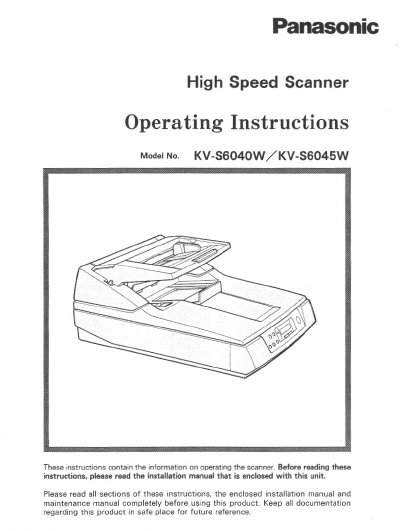
Panasonic KV-S6040W High Speed Scanner Operating Instructions


Panasonic KV-S6040W High Speed Scanner Operating Instructions - cover page
Brand
Panasonic
Category
Scanner
Document type
User Manual
Language
English
Pages
52
File format
PDF
File size
1.6 MB
Published
08 August, 2012
Updated
21 August, 2012
MD5 checksum
34A9DE7E34DA68A0EAC9D2CBB4053423

About this manual

This document provides operating instructions for the Panasonic KV-S6040W and KV-S6045W high-speed scanners. It details the required host system conditions, including CPU, memory, and operating system specifications, as well as recommended SCSI boards. The guide explains how to load documents on the ADF and flatbed, perform various scanning tasks, and handle paper jams.

What's inside

  • Notice
  • Precautions
  • Component Identification
  • Display Panel Instructions
  • Loading Documents on the ADF
  • Loading Documents on the Flatbed
  • Feeding a Document Manually
  • Clearing Paper Jams
  • Cleaning the Unit
  • Specifications

Specifications

CPU Requirement486 DX 66 MHz or higher
Recommended CPUPentium 166 MHz or higher
Memory Requirement16 MB or higher
Recommended Memory64 MB or higher
Operating SystemsWindows 3.1, 95, 98, NT

Frequently asked questions

Can I use an extension cord with this scanner?

No, you should not use an extension cord with this scanner.

What should I do if liquid spills into the unit?

Turn the unit off, unplug the power cord, and call for service immediately.

Download PDF (1.6 MB)

More Panasonic Manuals


View all Panasonic manuals →