
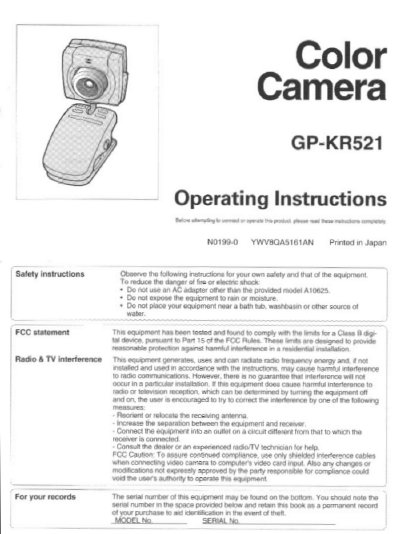
This manual provides instructions for the Panasonic GP-KR521 Color Camera, an analog video device designed for desktop use with personal computers. It details how to connect the camera to a PC via composite video and microphone inputs, and explains the included components such as the AC adapter and integrated cable.
| Image device | 1/4-inch CCD |
|---|---|
| Pixels (approx.) | Effective: 250,000 (512H x 492V) |
| Focal length | 4.6 mm |
| F-Stop | F = 2.8 |
| Focus range | 100 mm to infinity |
| View angle (Horizontal) | 45 degrees |
| View angle (Vertical) | 34 degrees |
| Video output signals | Standard: NTSC |
| Weight | 60 g |
| Size | 44 (W) x 103 (H) x 44 (D) mm |
The minimum focus distance is 100 mm (about 3.9 inches).
Optimum performance is in conditions where the ambient light level is between 500 and 1,000 lux.
You must use only the provided AC adapter model A10625.