
This document introduces the operating instructions of the KV-S5055C optical scanner. This scanner has an automatic paper feeding function that automatically adjusts the paper weight and supports single-sided and double-sided scanning, with a fast scanning speed.
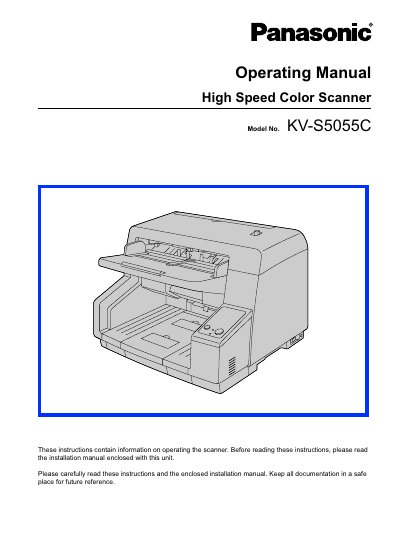
This document serves as the operating manual for the Panasonic KW-S5055C High Speed Color Scanner. It provides instructions on safe operation, preparing documents, using control sheets, and performing basic maintenance tasks such as clearing paper jams and cleaning components.
The guide details the scanner's key features, including its ability to handle a wide range of paper weights (20 g/m² to 157 g/m²), high-speed double-sided scanning capabilities, and built-in functions like stapled document detection and self-cleaning mechanisms. It also outlines system requirements for compatible computers.
| Single-sided scanning speed (200 dpi) | 90 pages/minute |
|---|---|
| Double-sided scanning speed (200 dpi) | 180 images/minute |
| Single-sided scanning speed (300 dpi) | 60 pages/minute |
| Double-sided scanning speed (300 dpi) | 120 images/minute |
| Minimum paper weight | 20 g/m² |
| Maximum paper weight | 157 g/m² |
The computer must have a CD-ROM drive, an Intel Core 2 Duo CPU at 1.8 GHz or higher, Windows XP/Vista/7 OS, USB 2.0 interface, and 1 GB of memory.
Yes, it has a stapled document detection function that detects staples and stops scanning to prevent damage.
The scanner uses an ionizer to reduce paper dust accumulation on the glass and includes self-cleaning brushes to remove dust.