
These instructions contain the information on operating the scanner. Before reading these instructions, please go through the installation manual enclosed with this unit. Please carefully read these instructions, the enclosed installation manual and maintenance manual. Keep these documentation in a safe place for future reference. Keep the CD-ROM in the protective case. Do not expose the CD-ROM to direct sunlight or extreme heat and do not scratch or smudge the surface of the CD-ROM.
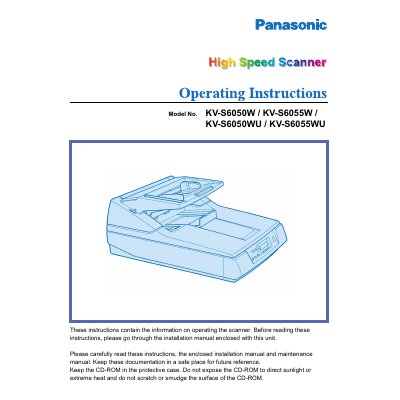
This document provides operating instructions for the Panasonic High Speed Scanner models KV-S6050W, KV-S6055W, KV-S6050WU, and KV-S6055WU. It serves as a guide for users to operate the device effectively after installation. The manual emphasizes the importance of reading the enclosed installation and maintenance manuals first and keeping the documentation safe for future reference.
The scanner requires a minimum of 64 MB of RAM, though 128 MB or higher is recommended.
The roller cleaning paper must not be stored in a place where the temperature exceeds 40 °C (104 °F).
The scanner's noise emission value is less than 70 dB(A) according to DIN 45635 Teil 19.