
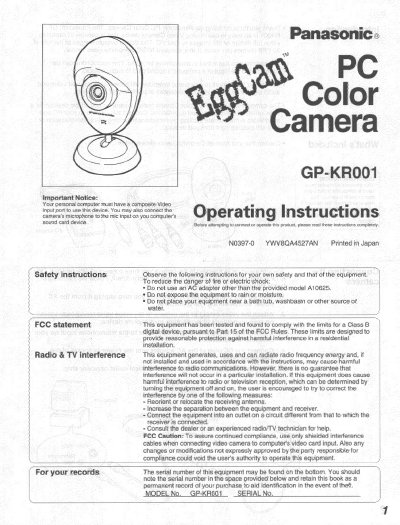
This manual provides operating instructions for the Panasonic GP-KR001 PC Color Camera. It details how to connect the device to a personal computer using an integrated cable with video and audio outputs, ensuring the user has a composite video input port and sound card. The guide explains that the camera captures NTSC format images at 30 FPS.
| Image device | 1/4-inch CCD |
|---|---|
| Pixels (effective) | 250,000 (512H x 492V) |
| Video output signal | NTSC composite |
| Recommended illumination | 40 lux to 10,000 lux |
| Horizontal resolution | 330 television lines |
| Weight | 60 g |
Your personal computer must have a composite Video input port and a sound card device.
The minimum focus distance is 100 mm (about 3.9 inches).
Check the settings on your video capture device first.