
Panasonic KVS7075C Manual

This is an operating manual for the Panasonic KV-S7075C scanner.
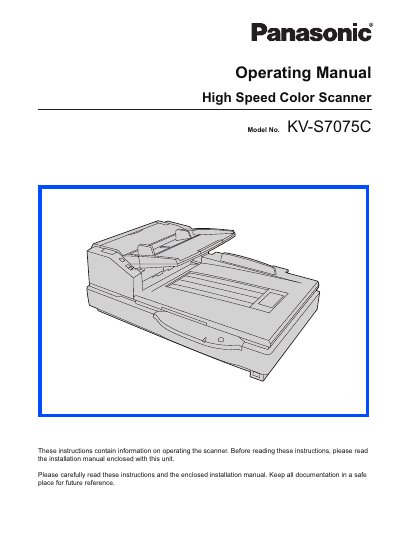

Panasonic KVS7075C Manual - cover page
Brand
Panasonic
Category
Scanner
Document type
User Manual
Language
English
Pages
53
File format
PDF
File size
2.1 MB
Published
08 August, 2012
Updated
30 September, 2023
MD5 checksum
BCB79005E85BA8F7258B37287431CA35

About this manual

This document serves as the Operating Manual for the Panasonic KW-S7075C High Speed Color Scanner. It provides instructions on the part names, operations, features, and maintenance of the unit. Users are advised to read the enclosed Installation Manual before using the scanner.

What's inside

  • For Your Safety
  • Precautions
  • Component Identification
  • Loading Documents on the ADF
  • Loading Documents on the Flatbed
  • Using Control Sheets
  • Clearing Paper Jams
  • Cleaning the Unit
  • Replacing Consumable Roller Modules
  • Troubleshooting

Specifications

CPUIntel Core 2 Duo, 1.8 GHz or higher
Operating SystemWindows 2000 / Windows XP / Windows Vista
InterfaceUSB 2.0
Memory1 GB or higher
Hard Disk5 GB or more free space

Frequently asked questions

What operating systems are supported?

The scanner supports Windows 2000, Windows XP, and Windows Vista.

What interface is required for the scanner?

A USB 2.0 interface is required, as USB 1.1 is slower and may not work if connected to a hub.

How much free hard disk space is needed?

At least 5 GB of free space is required on the hard disk.

Download PDF (2.1 MB)

More Panasonic Manuals


View all Panasonic manuals →