
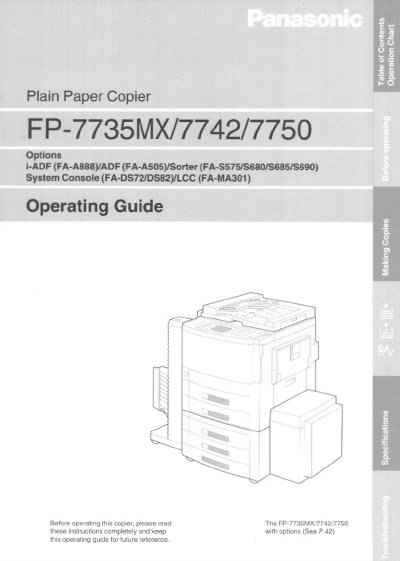
This document serves as the operating guide for the Panasonic FP-7735MX, FP-7742, and FP-7750 plain paper copiers. It details the basic operation using the touch panel display, including how to load paper, select copy sizes, and adjust exposure settings. The guide also explains various finishing options such as sorting, stapling, and hole punching, as well as duplex copying features.
| Power Consumption | 1.5 kW |
|---|---|
| Operating Temperature | 50°F — 86°F |
| Operating Humidity | 30% — 80% |
| Electrical Requirements | 15A, 120V AC |
For optimum performance, it is recommended that only Panasonic Brand supplies be used, with high quality paper of 16 Ibs. - 24 Ibs. being acceptable.
Press and hold the Clear/Stop key while repeatedly pressing the Ledger size key to brighten or the Invoice size key to darken the display.
The copier should be installed in an area with a temperature of 50°F — 86°F and a relative humidity of 30% — 80%.