
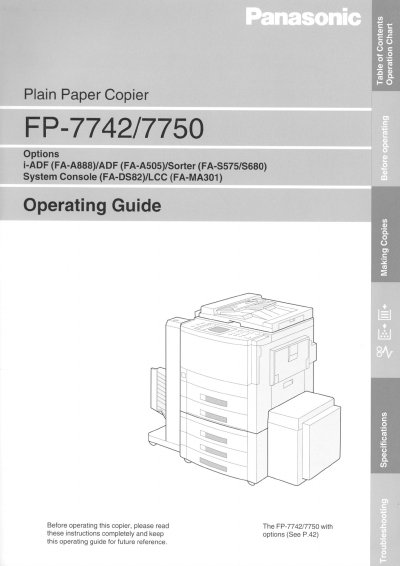
This manual provides operating instructions for the Panasonic FP-7742 and FP-7750 plain paper copiers. It details how to use the touch panel display for various copy jobs, including full-size copying, reduction or enlargement, duplexing, and sorting options like stapling and grouping.
The guide also covers advanced features such as insertion jobs (cover, page insertion), zoom effects, energy-saving modes, user presets, and troubleshooting. It includes sections on maintenance tasks like adding toner and handling paper misfeeds, along with installation requirements and warranty information.
| Power Consumption | 15 kW |
|---|---|
| Operating Temperature | 50°F - 86°F |
| Relative Humidity | 30% — 80% |
The power consumption for both models is 15 kW.
The copier should be installed in an area with a temperature of 50°F - 86°F and relative humidity of 30% — 80%.