
This document describes how to export your license view list from the Altera® Self-Service Licensing Center into Excel.
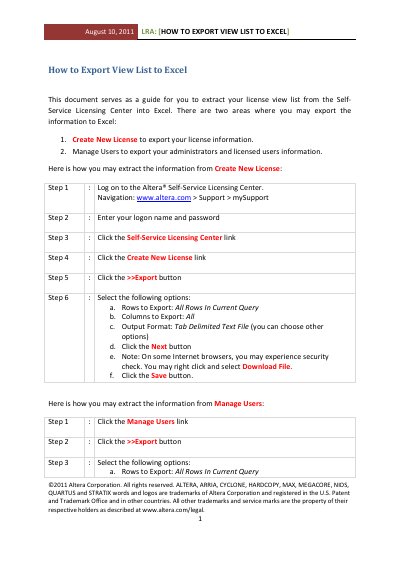
This document provides instructions on how to extract license view list data into an Excel-compatible format using the Altera Self-Service Licensing Center. It covers two main areas: creating new licenses and managing users, detailing the specific steps required for each process within the mySupport portal.
The guide outlines a six-step procedure for exporting information from the 'Create New License' section and a three-step procedure for the 'Manage Users' section. Both processes involve selecting export options such as rows to export, columns to include, and output format before saving the resulting file.
The document recommends selecting 'Tab Delimited Text File' as the output format.
You must navigate to the Manage Users link within the Self-Service Licensing Center.