
This document is the P-touch user manual, which mainly introduces the P-touch product features and usage methods
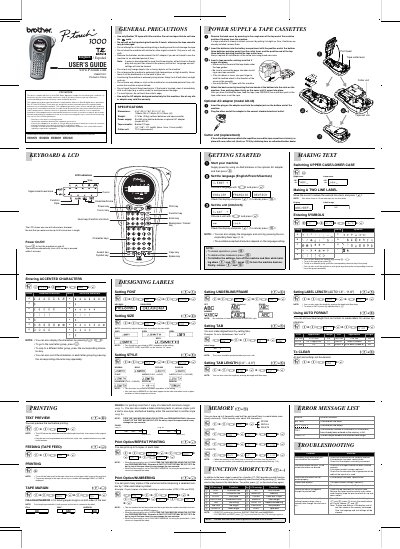
This document is the User's Guide for the Brother P-touch 1000 label maker. It covers general precautions, power supply options (six AAA batteries or optional AC adapter), and initial setup steps such as installing batteries and tape cassettes. The guide explains how to operate the keyboard and LCD to enter text, switch between upper and lower case, and select units (mm/inch).
| Dimensions | 4.32" (W) X 7.84" (D) X 2.2" (H) |
|---|---|
| Weight | 0.74 lbs. (335g) |
| Power Supply | Six AAA size alkaline batteries or optional AC adapter |
| Tape Cassette | Brother TZ tape |
| Tape Widths | 1/4" / 3/8" / 1/2" (6mm, 9mm, 12mm) |
Use only Brother TZ tapes with this machine. Do not use tapes that do not have the J mark.
All text shown in the display and any text files stored in the memory will be lost, and language and unit settings will be cleared.
You can print up to 9 copies of each label.