
This document introduces the use and precautions of the Brother P-touch H107B label maker
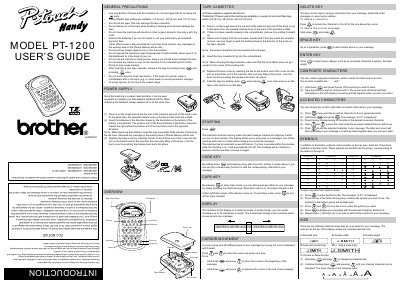
The Brother PT-1200 is a portable label printer powered by six AAA alkaline batteries. It supports Brother TZ tapes in three widths (6 mm, 9 mm, and 12 mm) and features an LCD display with cursor movement for editing messages up to 55 characters long.
Users can create labels using various character sizes, accented characters, and symbols. The manual details procedures for inserting tape cassettes, changing batteries, and utilizing the print head cutter button.
| Power Source | Six AAA alkaline batteries (LR03) |
|---|---|
| Tape Widths | 1/4" (6 mm), 3/8" (9 mm) and 1/2" (12 mm) |
| Message Length | 55 characters |
The machine uses six AAA alkaline batteries (LR03).
You must insert the new batteries within three minutes of removing the old ones.
The machine will automatically turn off, but the message remains in memory.