
This document introduces the precautions for using the Brother TZ series label printer.
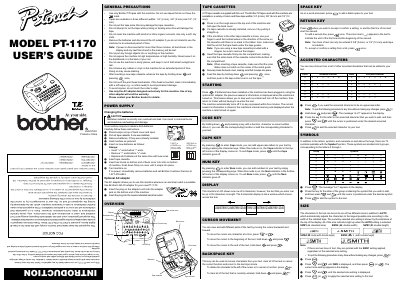
The Brother PT-1170 is a portable label printer designed for creating custom labels in various settings such as offices, factories, labs, or homes. It supports three different tape widths (6 mm, 9 mm, and 12 mm) and allows users to print with different colors and styles using compatible TZ tapes.
The device features an LCD display that shows one row of eight characters while allowing text entry up to 55 characters long. Users can input accented characters, symbols, numbers, and adjust character sizes from standard to double width or height. The printer includes functions for Caps mode, Num mode, and cursor movement to facilitate easy text editing.
The machine supports tapes in three different widths: 1/4" (6 mm), 3/8" (9 mm) and 1/2" (12 mm).
The machine requires six alkaline AAA batteries to operate.
All text shown in the display and any text files stored in the memory will be lost.