
This is a PT-1010 label maker user manual
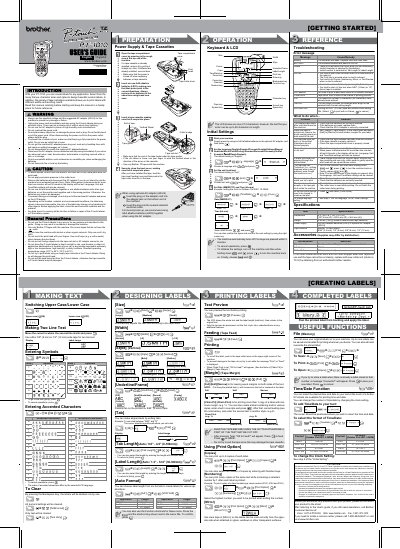
This manual serves as the user's guide for the Brother PT-1010 electronic labeling system. It provides instructions on preparing the device, creating and designing labels, printing, and utilizing useful functions. The guide supports various applications and allows for the creation of custom labels with different frames, character sizes, styles, and tape widths.
| Dimensions | 4.3" (W) × 8.1" (D) × 2.3" (H) |
|---|---|
| Weight | 0.80 lbs. (365 g) |
| Power Supply | Six AAA alkaline batteries (LR03) or optional AC adapter (AD-24) |
| Tape Cassette Widths | 9/64" (3.5 mm), 1/4" (6 mm), 3/8" (9 mm), 1/2" (12 mm) |
| Max Characters | 80 characters |
The machine requires six new AAA alkaline batteries (LR03).
All text, formats, language, unit, and time/date settings in the display will be lost.
No, frames cannot be printed on 9/64" (3.5mm) tape.