
P-touch 1300 user manual, introduce how to use P-touch 1300 to create custom labels, including choosing frame design, character size and style, printing width and color.
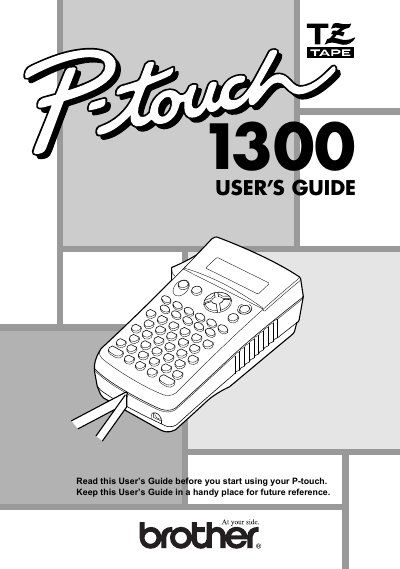
The Brother P-touch 1300 is a portable label maker designed to create custom labels with various character sizes, styles, and frame designs. It supports four different tape widths (6 mm, 9 mm, 12 mm, and 18 mm) and offers multiple color options for personalized labeling.
| Input Device | Keyboard with 52 keys (including power key) |
|---|---|
| Display | 12 characters · 2 lines (7 · 5 dots/character) |
| Tape Widths | Four widths available: 1/4" (6 mm), 3/8" (9 mm), 1/2" (12 mm) and 3/4" (18 mm) |
| Power Source | Six AA alkaline batteries or optional AC adapter (AD-60) |
| Print Head Resolution | 128 dots / 180 dpi |
| Dimensions (W x D x H) | 4 3/4" (121 mm) · 7 31/64" (190 mm) · 2 51/64" (71 mm) |
| Weight | 1.1 lbs. (520 g) |
The machine uses six AA (AM3, LR6) alkaline batteries.
Yes, you can use the optional AC adapter (AD-60) to power the machine wherever there is an electrical outlet.
Unplugging the adapter from the electrical outlet before unplugging it from the machine can delete all text files in the memory.