
This is the user's guide for P-touch 1400. It introduces the features and usage of the product.
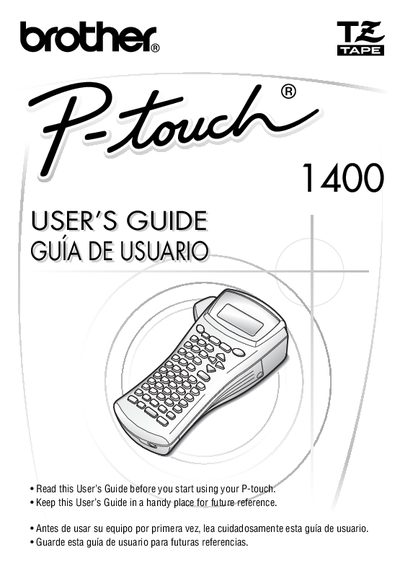
The Brother PT-1400 is a label printer designed for creating custom labels with various character styles, sizes, and frames. It supports pre-formatted types for labeling patch panels, cables, and connectors, allowing users to print legible, long-lasting labels quickly in plant or field environments.
This guide provides instructions on getting started, including installing batteries and tape cassettes, as well as operating the device through different label type modes such as Normal, Vertical, Rotate, and Port & Panel. It details basic functions like inputting text and barcodes, formatting labels with margins and frames, and performing machine adjustments like calibration and language settings.
| Product Name | Brother Label Printer P-touch |
|---|---|
| Model Number | PT-1400 |
The machine has a two-stage warranty consisting of 90 days from the original purchase date and an additional warranty up to one year.
Consumables and accessories, such as label cassettes, cutters, stamps, power adapters, cases, and batteries, are covered for 90 days.