
This document provides precautions for using the Brother TZ tapes printer, such as using specific tape widths, not pulling the tape, not cleaning with alcohol or organic solvents, etc.
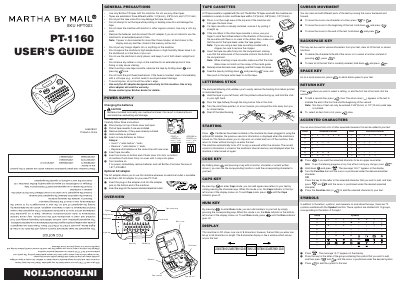
The Brother PT-1160 is a practical machine designed to create custom labels with various frames, character sizes, and styles using Brother TZ tapes. The device features an LCD display capable of showing one row of eight characters while allowing the user to enter up to 55 characters of text.
| Battery Type | 6 alkaline AAA batteries |
|---|---|
| Tape Widths | 1/4"(6 mm), 3/8"(9 mm) and 1/2"(12 mm) |
| Display Capacity | one row of 8 characters |
| Max Text Length | 55 characters |
The machine requires 6 alkaline AAA batteries.
No, you must only use Brother TZ tapes to avoid damage.
All text shown in the display and any stored text files will be lost.