
This document provides general precautions for using the Brother TZ label printer, including not touching the cutter's edge, using only Brother TZ tapes to avoid damage, and not pulling the tape.
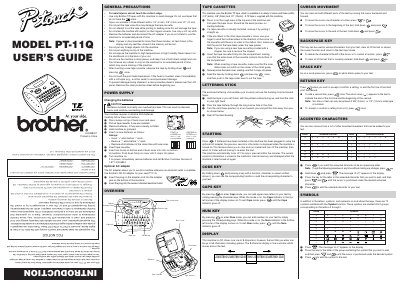
The Brother PT-11Q is a compact label maker designed for creating custom labels in offices, factories, labs, and homes. It features an LCD display and supports various tape widths and colors. The device allows users to enter text up to 55 characters, including accented characters and symbols, and supports both battery and optional AC adapter power.
| Battery Type | 6 alkaline AAA batteries |
|---|---|
| Tape Widths | 1/4" (6 mm), 3/8" (9 mm) and 1/2" (12 mm) |
| Max Text Length | 55 characters including spaces |
| Display | one row of 8 characters |
| AC Adapter Model | AD-30 |
The machine requires 6 alkaline AAA batteries.
Yes, you can use the optional Brother AD-30 adapter to power the machine.
Remove the clear protective sheet placed over the LCD panel before beginning use.