
This is a screenshot of the BIOS setting interface of a certain motherboard
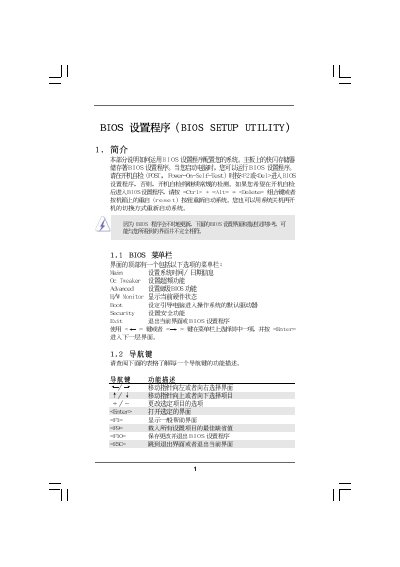
This manual provides step‑by‑step instructions for using the ASRock Main OC Tweaker BIOS Setup Utility. It covers general BIOS navigation, advanced overclocking settings, hardware health monitoring, and security features such as password management.
The document is organized into sections for CPU configuration, memory timing, boot device selection, and hardware monitoring. Each screen description includes the keys to change values, default settings, and warnings about potential risks when adjusting parameters. This manual is written in Chinese.
| BIOS version | v02.54 |
|---|---|
| Memory type | DDR3 1333 MHz |
Press F9 to load defaults, then press F10 to save and exit.
Enter the Security Settings screen, select Change Supervisor Password, and follow the prompts.
In the Hardware Health Monitoring screen, locate the CPU Quiet Fan option and set it to Enabled or Disabled.
Use the OC Tweaker section under Advanced Settings to modify CPU frequency, multiplier, and voltage.