
This is a BIOS setup interface of a computer. It can set system time, date, CPU model, CPU speed, cache size, memory size, etc.
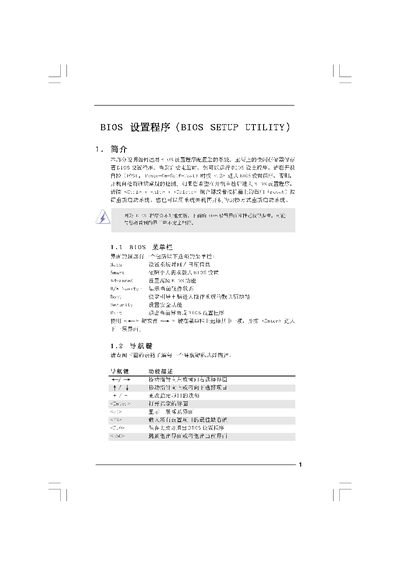
The BIOS Setup Utility manual provides step‑by‑step instructions for accessing and adjusting the BIOS on a computer system. It describes the main screen, smart screen, advanced options, security settings, and exit procedures.
The document includes details on CPU and chipset configuration, memory settings, boot options, and how to load default configurations or save changes. It also explains how to use function keys (F1, F9, F10, ESC) to navigate and apply settings. This manual is written in Chinese.
Press F10 to save and exit, or use the Save and Exit option on the Exit screen.
Go to the Security screen, choose Change User Password, and follow the prompts.