
This is the BIOS setup screen of an 880GXHU3/128M motherboard produced by American Megatrends
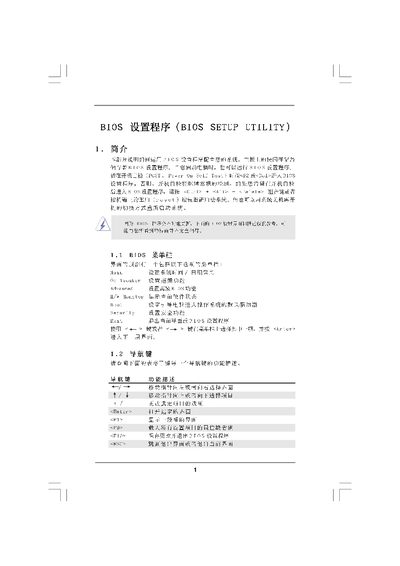
The BIOS Setup Utility manual provides step‑by‑step instructions for accessing and configuring the BIOS on a computer system. It describes the main screen, the O/C Tweaker overclocking interface, advanced hardware monitoring, security settings and how to save or discard changes.
The document also covers memory configuration parameters, CPU frequency and voltage settings, boot options, and the exit procedures. Each section lists the available fields, the key commands to modify them, and warnings about potential risks of over‑clocking. This manual is written in Chinese.
| BIOS version | Y02.54 |
|---|---|
| Processor Type | 0GXHU37128W Pl.00 |
| Total Memory | 1024nCB with 12RDTB shared memory |
Press F10 (or select the Save and Exit option) to save the configuration and leave the BIOS.
Select the Discard Changes option (or press the designated key) to exit the BIOS without applying any modifications.
Press the
In the Boot Options screen, set the Num‑Lock option to On or Off as needed.