
This document contains BIOS setup information for the G31M-VS P1.00 model. It includes main settings, advanced settings, hardware monitoring, boot settings, security settings, and more.
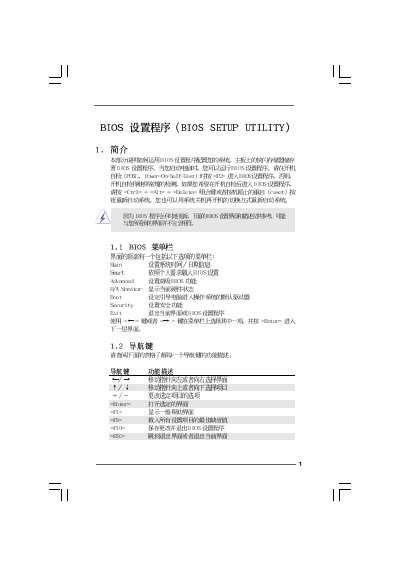
This manual provides step‑by‑step instructions for navigating the BIOS Setup Utility on the G31M‑VS motherboard. It covers the main menu, Smart H/W Monitor, Advanced settings, and the procedures for saving or discarding changes.
Key sections include CPU Configuration, Chipset Settings, Memory Remap, ACPI options, Boot Settings, and Password Security. The document also lists default key commands such as F9 to load defaults and F10 to save and exit.
| Processor | Intel (R) CPU 2.80GHz (64‑bit) |
|---|---|
| Processor Speed | 2800 MHz |
| Cache Size | 4096 KB |
| Total Memory | 1024 MB with 8 MB shared memory |
| DDRII‑1 Capacity | 1024 MB @ 333 MHz (DDRII667) |
Press F10 to save the current settings and exit the BIOS Setup Utility.
Press F9 to load the factory default BIOS configuration.