
This is the BIOS setup interface of G31M-GS P1.00 motherboard
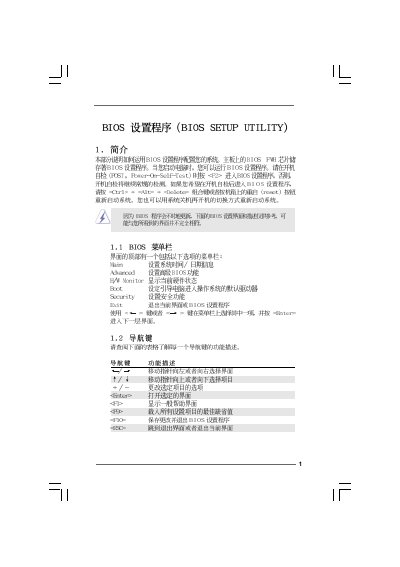
The BIOS Setup Utility provides a text‑based interface for configuring hardware and system settings on the G31M‑GS and G31M‑S motherboards. Users navigate with the keyboard, using Enter, Tab, Shift‑Tab, and the +/- keys to change values, and function keys such as F9, F10 and F1 for help, loading defaults, and saving changes.
The utility includes sections for CPU configuration, chipset options, memory settings, boot device order, ACPI power management, and security password management. Each section allows enabling or disabling features, selecting frequencies, and adjusting advanced parameters. Changes are saved with F10, while defaults can be restored with F9. This manual is written in Chinese.
| BIOS Version | v02.54 |
|---|---|
| Memory Type | DDRII667 |
Press F10 to save the current settings and exit the utility.
Press F9 to load the default BIOS configuration.
Use the [+] or [-] keys to increase or decrease the time or date values.