
This document describes the BIOS setup interface of a motherboard called 880G Extreme3. It provides functions such as main settings, advanced settings, hardware monitoring, boot settings, and security settings. In addition, the document mentions hardware information such as processor type, processor speed, cache size, and memory capacity.
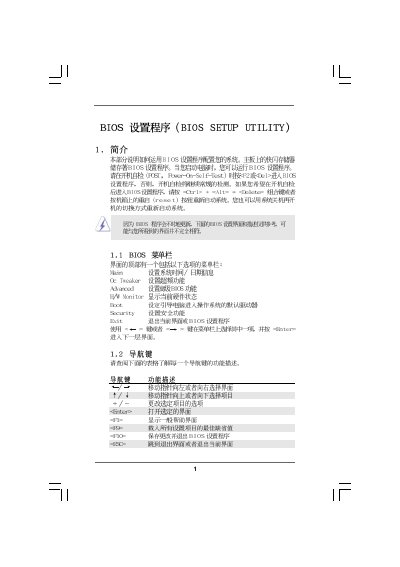
This manual provides step‑by‑step instructions for navigating the BIOS Setup Utility, including the Main, OC Tweaker, Advanced, and Hardware Health screens. It shows how to adjust system time, CPU frequency, memory timing, and other hardware parameters.
The document also covers boot configuration, password management, and security settings, with notes on the risks of overclocking and how to restore default settings. All instructions are based on the AMI BIOS version v02.54. This manual is written in Chinese.
| BIOS Version | v02.54 |
|---|---|
| Processor Type | AMD Phenom(tm) II X2 555 |
| Total Memory | 1024 MB with 128 MB shared |
Select the System Time field and use [+] or [-] to configure the time.
Press F9 to load the default settings.
Go to the Security Settings screen and select Change Supervisor Password.
It lets you adjust CPU frequency, multiplier, voltage, and other overclocking parameters.