
This is a BIOS setup utility manual
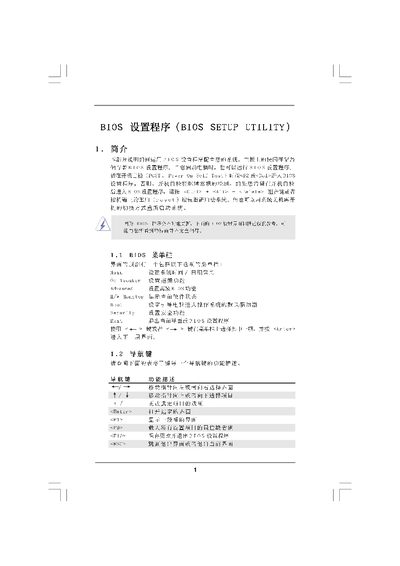
The BIOS Setup Utility manual provides step‑by‑step instructions for navigating the BIOS interface, adjusting hardware parameters, and using advanced features such as overclocking, memory timing, and security settings. It covers the main screen, OC Tweaker, CPU configuration, memory configuration, and chipset options.
The document also describes how to save or discard changes, set passwords, and exit the BIOS safely. Each option includes the available settings and recommended usage notes for typical PC configurations. This manual is written in Chinese.
Boot Failure Guard can be enabled or disabled to control how the system reacts to boot failures.