
This is a BIOS setup guide for G31DE-DVR motherboard
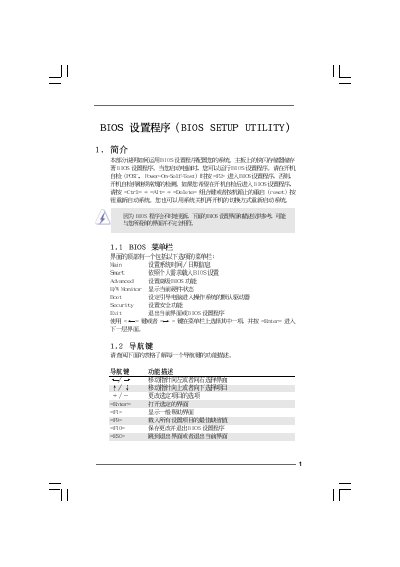
The BIOS Setup Utility provides a menu-driven interface for configuring system hardware and firmware settings on the G31DE-DVR platform. It includes sections such as Main, Advanced, Smart, and Security, allowing users to view system time, processor details, memory configuration, and BIOS version (v02.54).\n\nThe manual describes how to adjust CPU, chipset, IDE, PCI, ACPI, and boot options, as well as how to set supervisor and user passwords, enable hardware health monitoring, and save or discard changes. Navigation uses the keyboard (Enter, Tab, +/-) and function keys (F9, F10, F1).
| BIOS Version | v02.54 |
|---|---|
| Processor Type | Intel(R) Core(TM) 2 Duo CPU E6850 |
Press F10 to save the current settings and exit the BIOS utility.
Press F9 to load the default BIOS configuration.
Select the Security menu, then choose Change Supervisor Password to set a new password.