
This is a BIOS setup instructions document for ASUS motherboard. It mainly introduces the functions and uses of CPU, memory, clock and other settings.
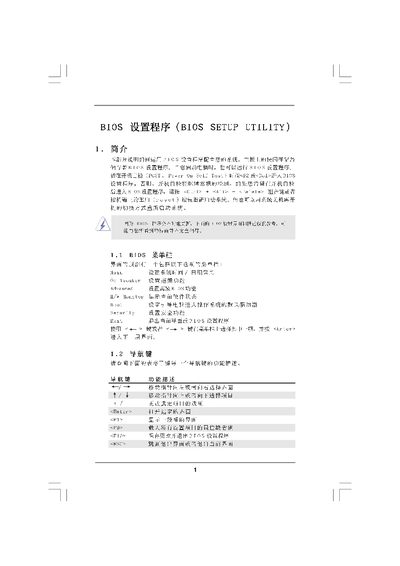
The BIOS Setup Utility manual provides step‑by‑step instructions for accessing the main screen, adjusting system time and date, and configuring CPU, memory and advanced overclocking options. It also covers security settings, password management, and boot options.
Users can learn how to load default settings, save changes, and exit the utility safely. The guide includes detailed tables for memory timing, voltage settings, and processor frequency limits, helping technicians and end‑users fine‑tune system performance. This manual is written in Chinese.
| Total Memory | 1024KB with 128B shared memory |
|---|---|
| DDR3 Memory Speed | 1066 MHz |
Press the ESC key or select the Exit option from the menu.
Press F9 to load the default BIOS configuration.