
This is a BIOS setup page for a motherboard. It allows you to set clock frequencies and memory frequencies.
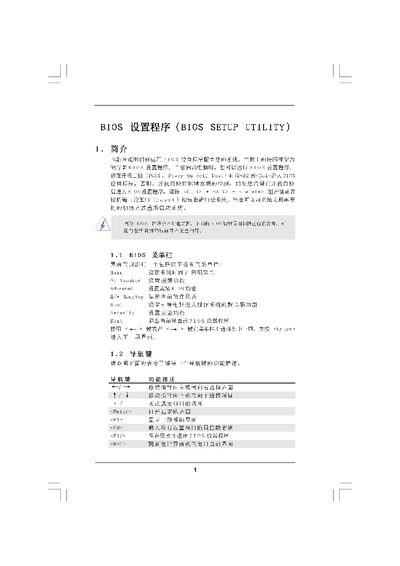
The BIOS Setup Utility manual provides step‑by‑step instructions for configuring system settings such as CPU frequency, memory timings, and security options. It describes each screen (Main Screen, OC Tweaker, CPU Configuration, Memory Configuration, Chipset Settings, Security Settings) and the keys used to move through the menus.
The guide also covers how to save or discard changes, load default or performance profiles, and use advanced features like Hyper‑Transport settings and voltage adjustments. It is intended for users who need to customize BIOS parameters on motherboards that use American Megatrends firmware. This manual is written in Chinese.