
This document is about the BIOS setup utility. It explains how to use the BIOS setup utility to configure system time, system date, processor type, processor speed, cache size, and other information.
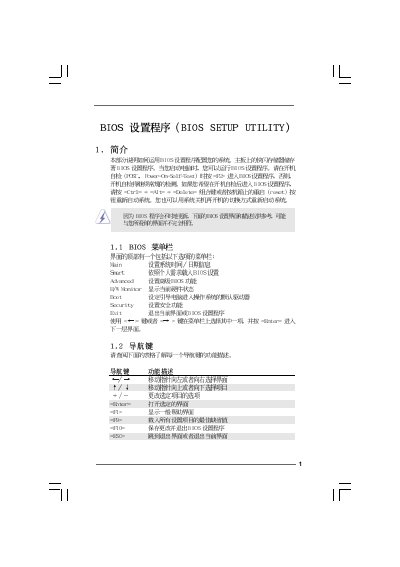
This manual provides a detailed description of the BIOS Setup Utility for the ASRock G31M-VS2 motherboard. It covers the main menu, Smart and Advanced settings, and the various configuration sections such as CPU, Chipset, ACPI, Boot, and Security.
Navigation is performed with the keyboard using Enter, Tab, Shift‑Tab, and the function keys (F9 to load defaults, F10 to save and exit). The document also includes notes on over‑clocking, memory remapping, and password management.
| Processor Type | Intel (R) CPU 2.80GHz (64‑bit) |
|---|---|
| Processor Speed | 2800 MHz |
| Cache Size | 4096 KB |
| Total Memory | 1024 MB with 8 MB shared memory |
| DDRII Memory | 1024 MB / 333 MHz (DDRII667) |
| Utility Feature | ASRock Instant Flash |
Press F10 to save the current settings and exit the BIOS.
Press F9 to load the default BIOS configuration.
Enter the Security menu and select "Change Supervisor Password"; the current status shows "Not Installed".