
This is a BIOS setup guide for the American Megatrends A330GC motherboard
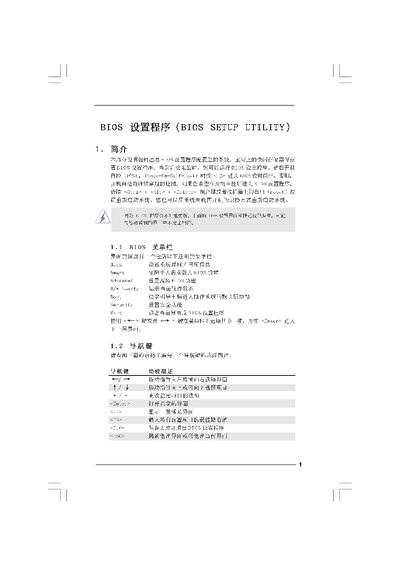
This manual explains how to access and navigate the BIOS Setup Utility on ASRock A330GC (and similar) motherboards. It covers entering the BIOS during POST, using the keyboard to move through menus, and saving or discarding changes.
The document details each BIOS screen – Main, Smart, Advanced, CPU Configuration, Chipset Configuration, ACPI, Security, and Exit – and lists the available options, default values, and warnings about incorrect settings. This manual is written in Chinese.
| Processor Speed | 1600 MHz |
|---|---|
| Total Memory | 512 MB with 8 MB shared memory |
| Cache Size | 1024 KB |
Press F9 to load the default BIOS settings, or use the Load Defaults option in each screen's menu.