
This document is a user manual for BIOS Setup Utility, which describes the main functions and settings options. It includes information such as system time, processor type and speed, memory capacity, etc.
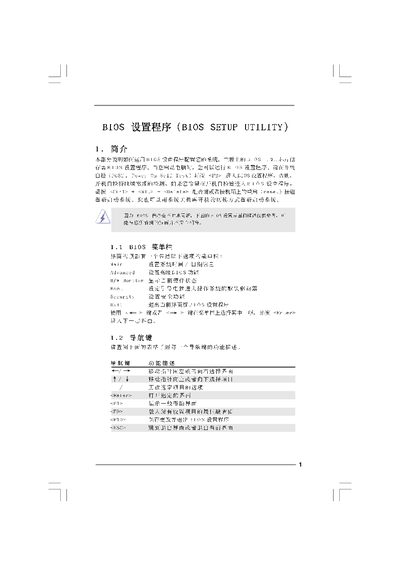
This manual describes the BIOS Setup Utility interface, including the menu bar, navigation keys, and the various configuration screens. It guides users through entering the BIOS, adjusting system time, date, CPU, memory, and power‑management settings, and saving or discarding changes.
The document also covers advanced options such as chipset configuration, ACPI power‑management, IDE settings, security passwords, and the exit procedures. Each screen lists the available options and the key commands for accessing help, loading defaults, and confirming changes. This manual is written in Chinese.
| BIOS Version | 4Corel600-GLAN P1.00 |
|---|---|
| Processor Type | Intel(R) CPU 3.40GHz |
Press the
Press F9 to load the default configuration values.
Select the "Load optimal Defaults" option and confirm to restore the recommended default settings.