
This is a BIOS setup manual for ASUS G31M-GS motherboard
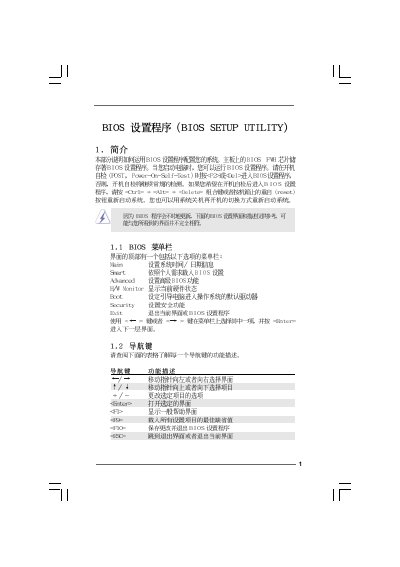
This manual explains how to navigate the BIOS Setup Utility on the Gigabyte G31M‑GS motherboard. It covers the main menu, smart settings, and advanced options, showing how to change system time, load defaults, and save or discard changes.
The document includes detailed sections for CPU configuration, chipset settings, IDE/SATA options, ACPI power management, boot device order, and password security. Each screen is described with the keys to use (Enter, F1‑F10, +/-) and the impact of each option on system operation.
| BIOS Version | v02.54 |
|---|
Press F9 to load the default BIOS configuration.
Use the [+] or [-] keys to adjust the system time and date fields.
Go to the Security menu, select Change Supervisor Password, and follow the prompts.
In the Boot Settings Configuration screen, choose the desired device for the 1st Boot Device option.