
American Megatrends BIOS Setup Utility User Manual

This document is a manual for BIOS Setup Utility, which explains the main features, advanced settings, hardware monitoring, boot security, etc. It also provides operation guides and warning messages.
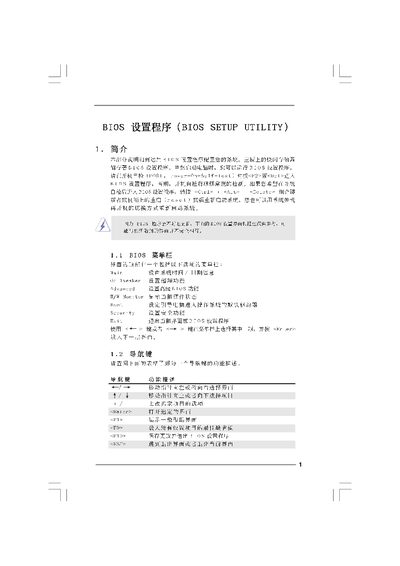

American Megatrends BIOS Setup Utility User Manual - cover page
Brand
BIOS
Category
Other
Document type
User Manual
Language
Chinese
Pages
20
File format
PDF
File size
715 KB
Published
09 April, 2012
Updated
28 September, 2023
MD5 checksum
2D33400091F536A5553DA2B7B7A3C719

About this manual

The BIOS Setup Utility provides a graphical interface for configuring system hardware settings, including CPU, memory, storage, and security options. Users can access the utility during the Power‑On Self‑Test (POST) by pressing the designated keys.

The document details each screen—Main, OC Tweaker, Advanced, and Security—showing how to adjust frequencies, voltages, and other parameters, as well as how to save changes, load defaults, and exit safely. This manual is written in Chinese.

What's inside

  • Main Screen
  • OC Tweaker Screen
  • Overclock Mode
  • DRAM Timing Control
  • Advanced Screen
  • CPU Configuration
  • Security Screen
  • Boot Options
  • Exit Screen

Specifications

Processor TypeIntel(R) CPU 3.33GHz
Cache Size256KB
Memory TypeDDR2 533

Frequently asked questions

How do I enter the BIOS Setup Utility?

Press or during the Power‑On Self‑Test (POST) to open the BIOS Setup Utility.

How do I load the default BIOS settings?

Select the option and press to load the default BIOS configuration.

What key discards changes without saving?

Press and confirm to discard all changes and exit.

Download PDF (715 KB)

More BIOS Manuals


View all BIOS manuals →