
This document provides instructions and features of a phone named A5504T. Users can play voice mail service operation instructions and answering messages. The phone also allows users to record voice, capture photos, and record videos. It has the ability to switch between normal and mute mode.
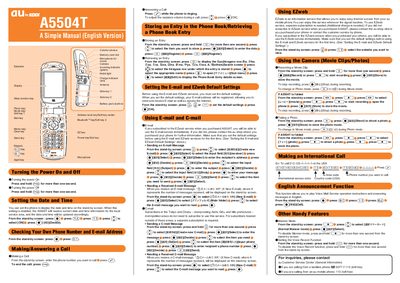
The manual explains how to power the au A5504T on and off, set the date and time, and manage phone numbers and email addresses. It provides step‑by‑step instructions for making and answering calls, storing and retrieving phone‑book entries, and using the built‑in email, C‑mail, and EZweb internet services.
Additional sections describe how to operate the camera for photos and movies, make international calls, enable English voice prompts, and use handy features such as Manner Mode and voice recording. Contact information for au customer support is also included.
| Battery pack | built‑in |
|---|---|
| Memory card slot | present |
| Camera | present |
| Microphone | present |
Press and hold the power key for more than one second to turn the phone on or off.
From the stand‑by screen, enter the phone number you want to call and press the call key.
From the stand‑by screen, press the e‑mail icon, select “Create new e‑mail”, fill in the recipient, subject and body, then press Send.
From the stand‑by screen, press the photo key to enter photo mode, then press the shoot button to capture a picture.