
This document is the basic manual for the W43CA phone, providing instructions on basic operations and detailed explanations of each function.
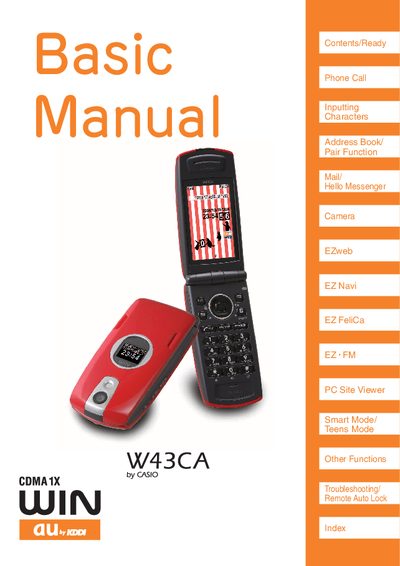
This manual provides instructions for using the KDDI W43CA mobile phone, including basic operations, Manner Mode, Drive Mode, spam filters, and disaster message board service. It also explains how to manage calls, emails, photos, and security settings. The guide includes safety warnings, etiquette tips, and troubleshooting steps for common issues.
The manual is designed for users who want to understand the phone’s functions and use it responsibly, with sections on phone etiquette, signal strength, battery level, and safety precautions.
Hold down the power button for at least 2.5 seconds to turn on the phone.
Access it via EZweb by navigating to http://dengon.ezweb.ne.jp/.
In Drive Mode, the phone plays a message saying 'I am driving right now...' and uses Easy Voice Memo to record messages.