
This document provides an overview of the features and functions of the CASIO A5512CA phone, including calling, text input, address book, camera, mail, smart mode, etc. It also includes preparation before use and troubleshooting guidance.
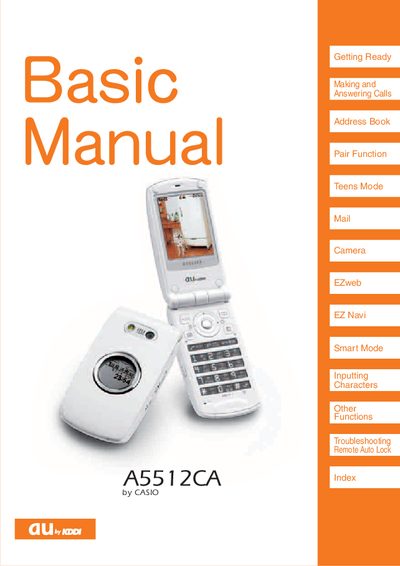
This manual provides step-by-step instructions for using the Casio A5512CA cellphone, including making calls, using the camera, managing the address book, and accessing EZ Navi. It also covers safety guidelines, such as not using the phone while driving, and features like Manner Mode and Drive Mode. The manual includes troubleshooting tips and information on managing emails and spam.
Hold down the power button for at least 1.5 seconds to turn on the phone.
In Drive Mode, the phone plays a message saying 'I am driving right now...' and asks the caller to leave a message using Easy Voice Memo.
Access the Disaster Message Board via EZweb by navigating to 'EZ >>>Top Menu >>>Ritne (Disaster Message Board)'.