
au by KDDI A5403CA Manual

This document describes the steps to configure default settings for email and EZweb services, and how to use email and C-mail services. It also provides specific steps for sending and reading emails.
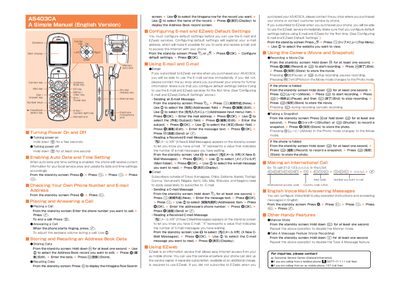

au by KDDI A5403CA Manual - cover page
Brand
au by KDDI
Document type
User Manual
Language
English
Pages
1
File format
PDF
File size
118 KB
Published
27 March, 2012
Updated
29 September, 2023
MD5 checksum
6DFE7ABAE712A57FEB943489737DEF55

About this manual

The manual explains how to power the phone on and off, place and answer calls, and manage address book entries. It also details configuration of default settings required for email and EZweb services.

Additional sections describe how to send and read email and C‑mail, record movies and snapshots, and use features such as Manner Mode and voice message recording.

What's inside

  • Turning power on
  • Turning power off
  • Placing a Call
  • Answering a Call
  • Storing Data
  • Recalling Data
  • Configuring default settings
  • Email
  • C mail
  • Recording a Movie Clip

Frequently asked questions

How do I turn the phone on?

Hold down the GP key for a few seconds.

Download PDF (118 KB)

More au by KDDI Manuals


View all au by KDDI manuals →