
This document is the user manual for SPM4701 wireless mouse, which introduces the features and usage of the mouse.
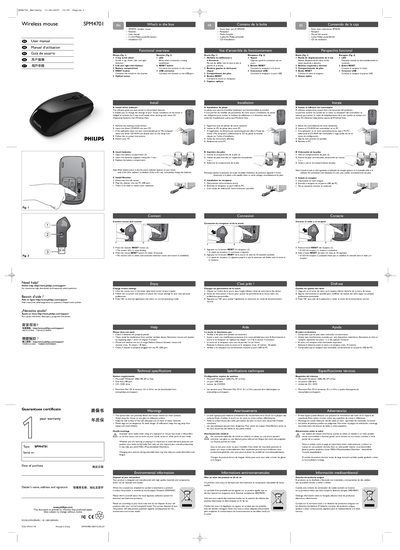
This user manual covers the Philips SPM4701 wireless mouse, including what is in the box, driver installation, battery installation, and receiver setup. It also explains how to connect the mouse and receiver, change mouse settings, and troubleshoot common issues.
Technical specifications list system requirements for Windows and Macintosh, while warranty and environmental information provide disposal guidance and support contact details.
| Operating systems | Microsoft Windows 2000, ME, XP or Vista; Macintosh Mac OS X versions 10.1.x-10.4.x |
|---|---|
| USB port | One free USB port |
| Drive | CD / DVD drive |
| Maximum range | 10 meters / 30 feet |
The box contains the SPM4701 wireless mouse, receiver, user manual, 2 x AA Philips powerlife battery, and installation CD.
Press the receiver RESET button, then press the mouse RESET button within 30 seconds until the receiver LED stops blinking.
Check battery placement, reduce interference, reduce distance to within 10 meters, and verify the receiver is plugged into the USB port.