
This document is the user manual for PHILIPS SPT1700 wired desktop, which introduces how to install, connect and use the product.
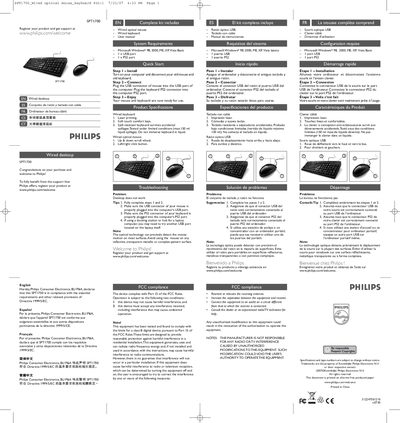
The SPT1700 desktop suit includes a wired optical mouse, a wired keyboard, and this user manual. It is designed for use with Windows PCs and offers features such as laser‑printed keys, spill‑resistant construction, and a scroll‑wheel mouse.
The manual walks you through installation: disconnect the old devices, connect the mouse via USB and the keyboard via the PS2 port, then start using the kit. It also lists system requirements, safety warnings, FCC and EMF compliance, and environmental disposal information.
| Keyboard printing method | Laser printing |
|---|---|
| Keyboard key feel | Soft touch comfort keys |
| Keyboard spill resistance | Up to 150 ml liquid |
| Mouse scroll wheel | Up & down scroll wheel |
| Supported operating systems | Microsoft Windows 98, 2000, ME, XP, Vista Basic |
| Required ports | 1 × USB port, 1 × PS2 port |
Plug the mouse’s USB connector into a USB port on the computer and plug the keyboard’s PS2 connector into a PS2 port.
The kit works with Microsoft Windows 98, 2000, ME, XP, or Vista Basic and requires one USB port and one PS2 port.