
This document provides information on registering and supporting the Philips SPK1500/SPK1700 wired keyboard. It includes steps for installation and connection, as well as troubleshooting tips for when the keyboard does not work.
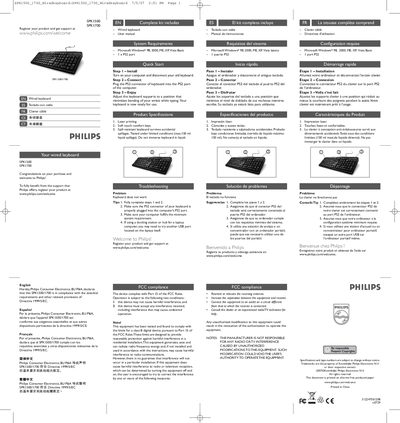
The Philips SPK1500/1700 is a wired keyboard designed for comfort and durability. It features soft‑touch keys, laser‑printed legends, and a spill‑resistant design that tolerates up to 150 ml of liquid.
The manual provides system requirements, a three‑step installation process using a PS2 connector, and troubleshooting tips such as checking the connector and ensuring the computer meets the minimum Windows requirements.
| Connection type | PS2 connector |
|---|---|
| Supported operating systems | Microsoft Windows 98, 2000, ME, XP, Vista Basic |
| Spill resistance | Up to 150 ml liquid |
| Keyboard type | Wired keyboard |
Turn on your computer, disconnect the old keyboard, plug the PS2 connector of the new keyboard into the computer’s PS2 port, then adjust the keyboard supports for comfortable typing.
Make sure the PS2 connector is properly plugged in, verify that the computer meets the minimum system requirements, and try a different port if using a docking station or hub.
Yes, the keyboard is designed to survive accidental spills up to 150 ml of liquid, but it should not be immersed in liquid.