
User manual, introducing how to use the telephone, including inserting batteries, connecting the base unit, configuring the phone, making phone calls, answering phone calls, ending calls, adjusting the handset volume, storing contacts, etc.
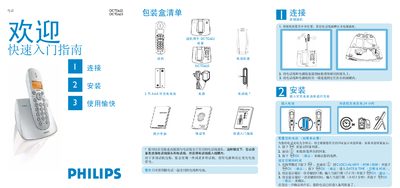
This guide explains how to connect the handset, attach the supplied telephone line and power cables, and charge the rechargeable battery (24 hours for a full charge). It also shows how to configure basic settings such as country selection, date, time, and ringtone.
The manual details everyday functions: dialing up to 24‑digit numbers, answering and ending calls, adjusting volume levels, storing contacts (name up to 12 characters, number up to 24 digits), using the phonebook, locking/unlocking the keypad, finding the handset, and, for the DCTG625 model, operating the built‑in voicemail. A troubleshooting section lists common issues and their remedies. This manual is written in Chinese.
| Maximum dial number length | 24 digits |
|---|---|
| Maximum contact number length | 24 digits |
Insert the rechargeable battery into the handset and charge it for 24 hours before first use.