
This document is a quick setup guide for Brother MFC-5440CN and MFC-5840CN multifunction printers. It provides instructions for hardware setup, driver installation, and software setup. It also includes links to the Brother Solutions Center for the latest drivers and solutions. The document lists the components included in the product packaging.
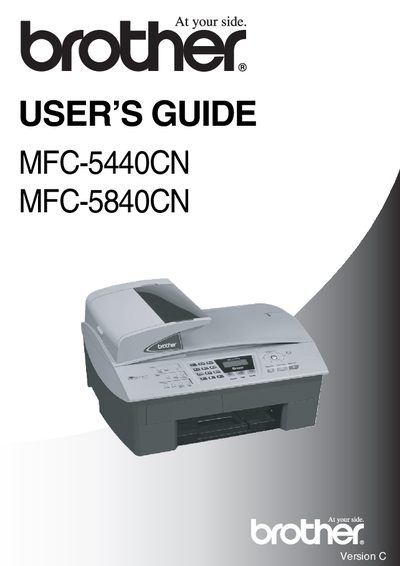
This guide covers everything needed to install and use the Brother MFC-5440CN and MFC-5840CN multifunction printers. It includes safety precautions, recommended placement, and environmental requirements, as well as detailed instructions for loading paper, using the automatic document feeder, and operating the scanner and fax functions.
Additional sections explain how to configure settings such as date and time, tone/pulse dialing, station ID, and remote access codes, plus troubleshooting tips and maintenance procedures to keep the devices running reliably.
| Operating Temperature | 10°C to 35°C |
|---|---|
| ADF Capacity | Maximum 35 pages |
Press Menu/Set, 2, 5, 2, then enter a three‑digit number from 000 to 999 and confirm with Menu/Set.
You can register the product at http://www.brother.com/registration.
Unplug the telephone line cord first and then the power cord before cleaning.